
Use update dates to understand the record, then check the actual listing and selected option before ordering. These are separate checks with different purposes.
Update dates and what they describe
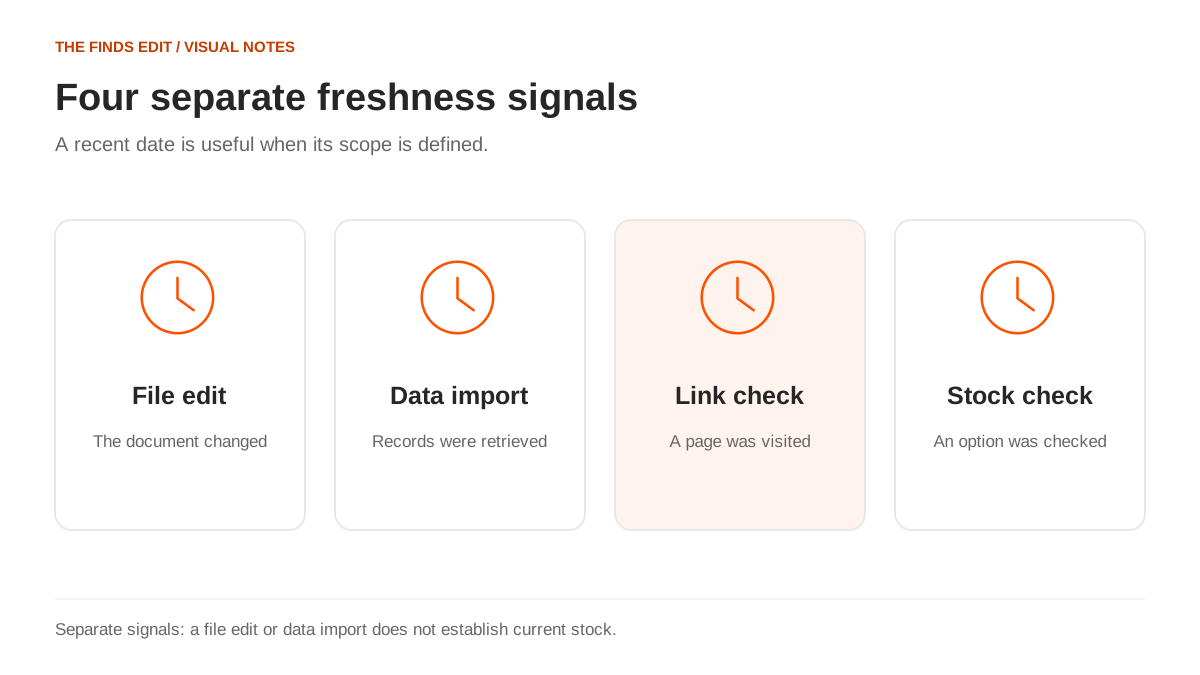
An “updated” label is useful when it names the event behind the date. A spreadsheet edit might correct a product name. A catalog import might retrieve another batch of records. A listing check might confirm that a URL opens. A stock check concerns a particular option. These events can happen on different days without any date being false.
For a reader, the distinction changes the next action. If you want to know whether a new colour was added, a file change may answer it. If you want to order a specific size, the seller’s currently available option matters more than the date on the directory homepage. Start with the question you need answered rather than searching for the newest-looking timestamp.
A date also needs a scope. “Category refreshed” is different from “every listing checked.” The first can describe a genuine maintenance task without establishing the second. When the scope is unclear, treat the timestamp as background and examine the item itself. Do not assume that one refreshed heading covers every record beneath it.
File history, imports and seller-page checks
Google’s file-history documentation describes reviewing changes to a document over time. That history concerns the file’s contents. Our interpretation is that it can help explain when a row or description changed, while leaving external seller availability as a separate question. A document editor cannot establish stock merely by updating a cell.
An import records retrieval activity. It may retain source data that is already old, and a later import of another category does not necessarily revisit the first one. A seller-page check adds another layer: the page can be reached at that moment. You still need to confirm that the product, variant and inclusions match the reference you saved.
| Signal | What it can establish | What still needs checking |
|---|---|---|
| File edit date | Someone changed the shared document | Which rows changed and why |
| Catalog import date | A retrieval process ran | Age and scope of individual records |
| Working URL | A destination can be opened | Product identity and selected version |
| Current option display | An option is presented at that moment | Price, availability and order acceptance |
| Warehouse photo date | An image relates to a particular stage or order | Whether it applies to your own purchase |
Matching a saved card to the current listing
Check identity before price. Compare the model, main photograph, colour, version and seller reference. A familiar title is insufficient if the destination now shows a different item. Likewise, a new photograph does not automatically mean the product changed; the other details may still agree. Use several identifying features together.
Next, select the exact option you intended. The original reference may show a padded jacket while the destination includes padded and unlined versions. The lowest displayed price may belong to another size, a component or an accessory. Read the option label and what is included before deciding that a saved price is still relevant.
Finally, note any missing information that affects the decision. A listing without a usable measurement chart is not resolved by a fresh date. A shoe offered only in a different sizing system still needs a size comparison. The freshness check should lead to the right product question, not replace it.
A worked example of a changed option
Imagine you saved an illustrative jacket listing in black, size M, with a padded lining. A week later the URL opens, the title is similar and the first photograph is unchanged. The available options now show an unlined version and the padded version only in another colour. The link works, but the offer you intended is no longer confirmed.
Keep the old selection note and compare it with the current dropdown. Do not quietly substitute an option just because it has the same size letter or a lower price. If the padded black version is essential, ask for clarification or choose a different candidate. If the unlined version could work, evaluate it as a new option with its own measurements and purpose.
This is why a useful saved record includes more than a URL. Record the colour, size, version, quantity and the detail that made the item worth saving. Those notes turn a later check into a clear comparison instead of a guess about what the old card meant.
Unavailable pages and ambiguous redirects
When a page fails, first distinguish a technical access problem from a confirmed change in the product. A login request, temporary error and explicit unavailable notice communicate different things. An inaccessible page leaves the offer unconfirmed; it does not by itself tell you why the seller page cannot be reached.
If a URL redirects, inspect the destination before carrying over the old information. A shop homepage, search page or related-item suggestion is not the same product detail page. Even a similar replacement needs its own option and price check. Avoid assuming that the destination inherited the original listing’s measurements, reviews or included accessories.
For an unresolved item, keep its saved information and move it out of the active purchase set. You can revisit it later or find another candidate. A directory entry is useful as a lead, but it should not force you to order a substitute whose differences have not been assessed.
Catalog maintenance on this site
This site publishes stored catalog information with editorial review. Import dates, source update times and review dates describe different work. Earlier batches can remain while another category is expanded, and a failed import retains the last successful snapshot. Those choices preserve usable records without turning them into a live inventory feed.
The editorial review also checks brand labels, category placement, photographs and style repetition. That work can improve a card even when no seller stock check has occurred. Conversely, a page can still open while its label or photograph needs correction. Data quality and listing availability are related maintenance tasks, but each needs its own attention.
For a correction, identify the page and the conflicting detail: a mismatched model, wrong category, changed version or broken destination. A precise observation is more useful than “the site is outdated.” It gives the review a specific item and an issue to resolve without guessing at the cause.
Rechecking a shortlist before payment
Revisit the small set you actually intend to order rather than every item you have ever saved. Confirm identity and selected options first, then update the price and any measurement notes. Mark unresolved candidates clearly so that old enthusiasm does not carry them into the order by accident.
A compact record can contain the date checked, seller URL, full variant, quantity and the result: unchanged, needs clarification or no longer suitable. These are your comparison notes, not a certification of the seller. They help you recognize what changed between browsing and the purchasing stage.
At payment, compare the imported purchasing information with those notes. A new title translation or option abbreviation is a reason to verify the match, especially for a version that mattered to the choice. A good freshness check ends with a clear offer you understand, rather than only a date you trust.
Sources behind this article
Reviewed October 20, 2026. References support the factual explanations in this article. Practical comparisons and examples labelled as illustrative are our own.
- Google Docs Editors Help: changes and version history ↗
Official documentation on file edit history and the permission needed to view earlier versions.
- KakoBuy purchasing workflow ↗
Official purchase, warehouse and international parcel workflow.